Drive Hugin from an AI agent
Connect opencode, Cursor, or Codex to Hugin over MCP and let an agent run the tools.
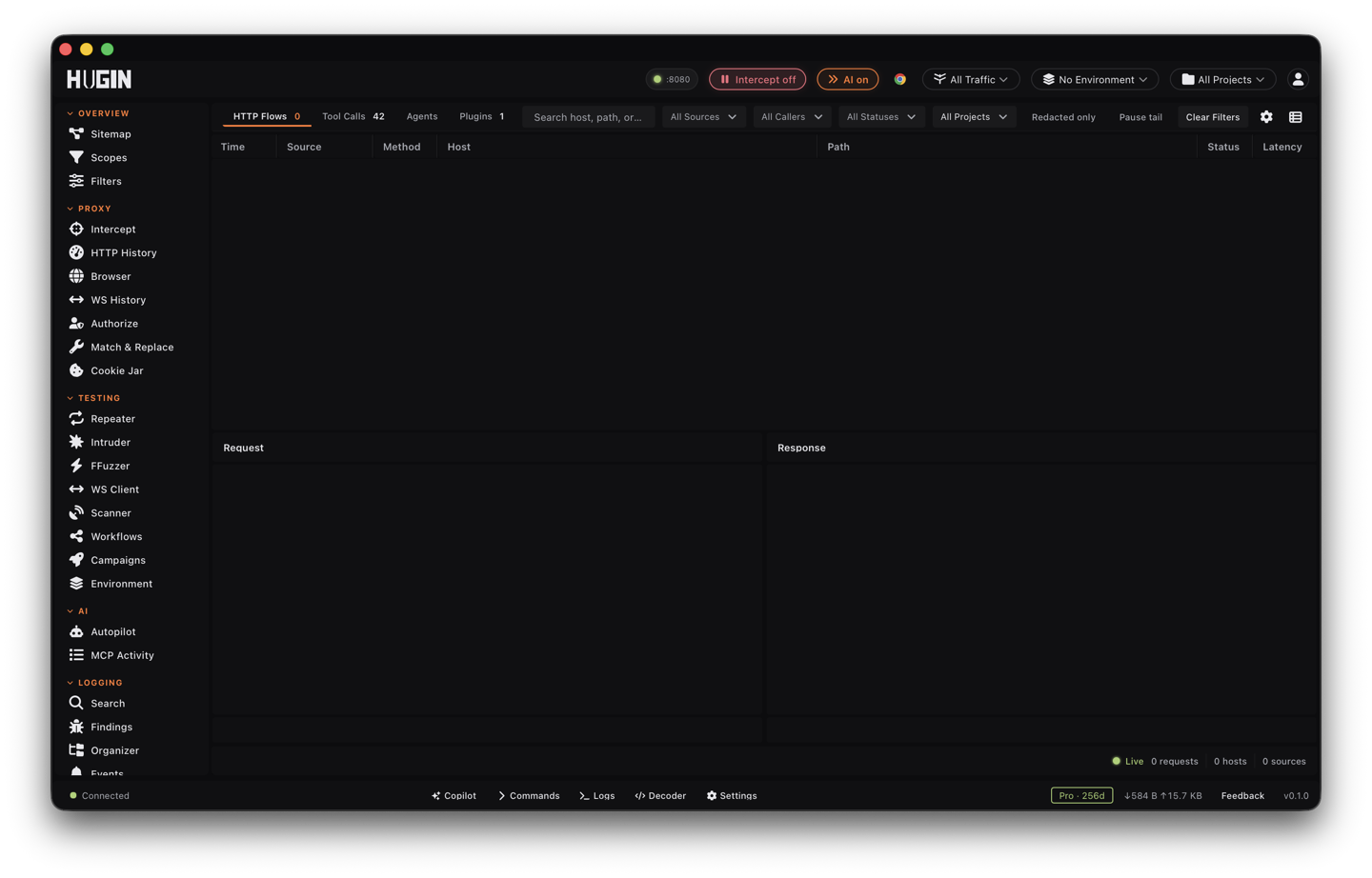
Hugin exposes its tools over the Model Context Protocol (MCP), so an AI agent can do the work — read flows, run the Scanner, send requests through Repeater and Intruder, drive the browser. It speaks MCP over stdio.
Connect an agent
hugin mcp
Point your agent's MCP config at that command — add Hugin as an MCP server in
opencode or Cursor, or in ~/.codex/config.toml for Codex. The agent
then sees Hugin's tools and can call them.
Keep one Hugin process for the agent to talk to. Browser sessions live inside a
running daemon, so a fresh hugin mcp per call starts with no browser sessions.
Run hugin start --mcp (or hugin start plus a daemon) and let the agent attach.
What an agent can call
Which tools an agent can use follows your licence. In Community it gets the core tools — read and search flows, Repeater, the Scanner, Intruder, the Decoder. The Pro tools — the browser, Synaps, vurl, collaboration, mobile, workflows, and BAC/Authorize — require Pro.