API spec
Discover and parse OpenAPI, GraphQL, and WSDL specs, then check how much of the API your traffic actually covers.
API spec finds a target's API definition, parses it into structured routes and parameters, then tells you which documented endpoints your traffic has actually exercised. It reads OpenAPI/Swagger, GraphQL, WSDL/SOAP, and a Docker registry catalog.
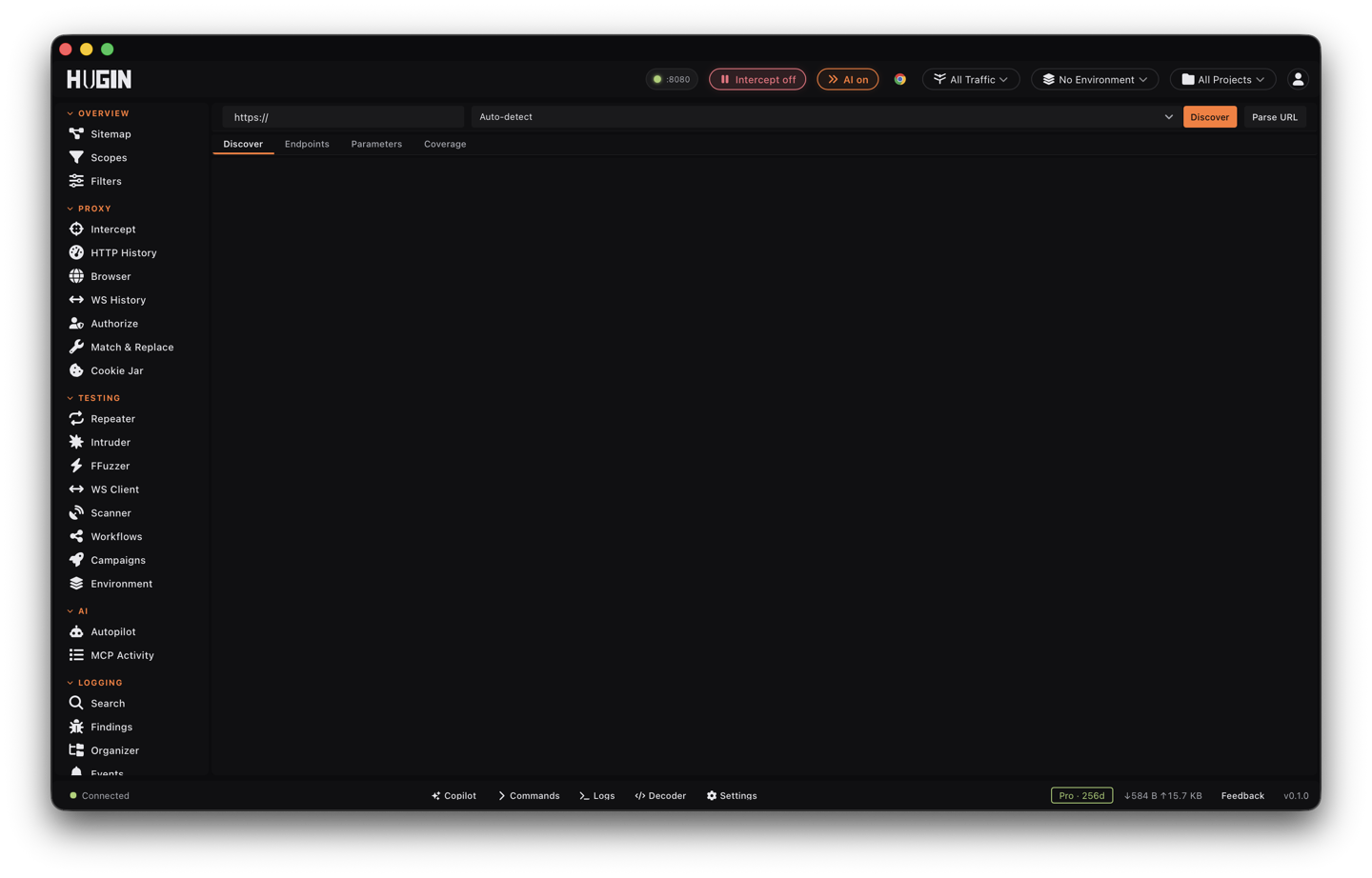
The view has four tabs — Discover, Endpoints, Parameters, and Coverage. Only Discover sends live traffic: its probes, plus the Parse action you run from a discovered row. The Endpoints, Parameters, and Coverage tabs only display what Discover and Parse already pulled. Check your engagement scope before you discover or parse.
Discover probes 16 candidate paths against the host — a POST introspection query
to /graphql, GET for the rest — and the Parse action fetches the spec URL (a POST
when it's a GraphQL endpoint). That is real, attributable traffic to the target.
The Endpoints, Parameters, and Coverage tabs fire nothing — they read the parsed
spec and the flows you already captured.
Discover the spec
Type a target URL and click Discover. Hugin requests 16 well-known spec locations and classifies whatever answers:
- OpenAPI/Swagger —
/swagger.json,/openapi.json,/api-docs,/v2/api-docs,/v3/api-docs,/swagger/v1/swagger.json,/.well-known/openapi.json,/api/schema,/api/v1/schema. - GraphQL —
/graphql(probed with a POST introspection query), plus/graphiqland/playground. - WSDL/SOAP —
?wsdl,/ws?wsdl,/service?wsdl. - Docker registry —
/_catalog.
It skips 404, 405, and 5xx, then classifies each hit by body and content type:
OpenAPI (a JSON swagger/openapi key), GraphQL (a __schema result, or a
GraphiQL/Playground page), WSDL (<definitions>), or a Docker registry (a
repositories array). A non-empty response it can't classify is still listed as
unknown — worth a look. The results table shows the path, detected type, status,
and size; the header line counts paths probed, specs found, and errors. Click a row
to parse that spec.
Parse a spec
Parse turns a spec into structured routes. Click a discovered row, or type a spec URL and click Parse URL. Leave the type on Auto-detect, or force it — OpenAPI/Swagger, GraphQL, or WSDL/SOAP — when a spec is served with the wrong content type. Parse sends one request to the URL (a POST introspection query when it's a GraphQL endpoint), then extracts routes, per-route parameters, and one de-duplicated list of every parameter name.
Every path crossed with every method (GET/POST/PUT/DELETE/PATCH/HEAD/OPTIONS).
Path, query, and header parameters come across with their type and required flag —
and so do request-body fields: Hugin walks the body schema, following allOf,
oneOf, and anyOf, and surfaces each field as a body parameter. That hands you
the JSON fields to fuzz or mass-assign, not just the URL parameters. Base URL is
read from the v3 servers block or the v2 host + basePath.
The introspection result becomes routes: every Query field is a QUERY, every
Mutation field a MUTATION. Each argument is a parameter with its GraphQL type —
! marks non-null (required), [...] marks a list. Internal __ types are
skipped.
Each operation becomes a SOAP route; message parts and schema elements become its
parameters.
A /_catalog listing turns into one route per repository — GET /v2/{repo}/tags/list — so you pivot straight from the catalog into enumerating
each image's tags.
Endpoints
The Endpoints tab is the parsed route list: method, path, summary, and parameter
count. The method filter narrows it to one verb — the usual
GET/POST/PUT/DELETE/PATCH, plus QUERY and MUTATION for GraphQL and SOAP for
WSDL — so you can isolate every mutation, or every SOAP action, in one click.
Select a route to open its detail panel: the method and path, the summary, and a
parameter table with each parameter's name, location (query, path, header,
body, argument), type, and whether it's required.
Parameters
The Parameters tab is the whole attack surface in one view: spec type, version, base URL, endpoint count, and unique-parameter count, followed by every distinct parameter name across the entire API. That single list is what you load into Intruder — including the body and argument fields an endpoint accepts but the UI may never send.
Coverage
The Coverage tab cross-references the parsed routes against the flows you've already captured, so you can see which documented endpoints you've hit and which you've never touched. It computes automatically when you open the tab with a spec parsed; Refresh recomputes it.
- REST and other path-based specs match on the URL path. The spec's base path (say
/v1) is joined onto each route before matching, and{id}-style segments are single-segment wildcards, so/users/{id}covers/v1/users/42. The method has to match too. - GraphQL and SOAP share one URL, so coverage matches the operation name inside
captured POST bodies (and the
SOAPActionheader) instead, on a whole-word boundary souserdoesn't matchusers.
The summary gives a coverage percentage, covered vs. unseen route counts, the host it matched against, and how many flows it examined; the table marks each route Covered or Not seen with a hit count.
The endpoints you haven't covered are often the interesting ones — an admin route in the spec that the UI never calls is worth taking into Repeater by hand.
Coverage samples your flows — up to 10,000 captured flows for path matching, or 500 full flows for GraphQL/SOAP body matching. If it hits that cap it warns that the sample was capped and coverage may understate, so a "Not seen" route may just be beyond the sample. Narrow your scope to the target and recheck.
What it can't do yet
There's no right-click-to-Repeater from a route. Copy the path and build the request in Repeater yourself.
The parsed routes and parameter list stay in the view — there's no export button.
Discover and Parse take a target or spec URL. There's no upload-a-file or paste-the-JSON yet, so you can't parse a spec you already hold on disk.
The Discover and Parse buttons fetch without your session — no cookie, no
Authorization header. For a spec behind auth, fetch it over
MCP, which accepts custom headers.
API spec is a Community tool — discovery, parsing, and coverage are all free.