Session notes
Your running engagement log — methodology, payloads, creds, and to-dos — in the same tool as the traffic, written by you or the AI agent (Community).
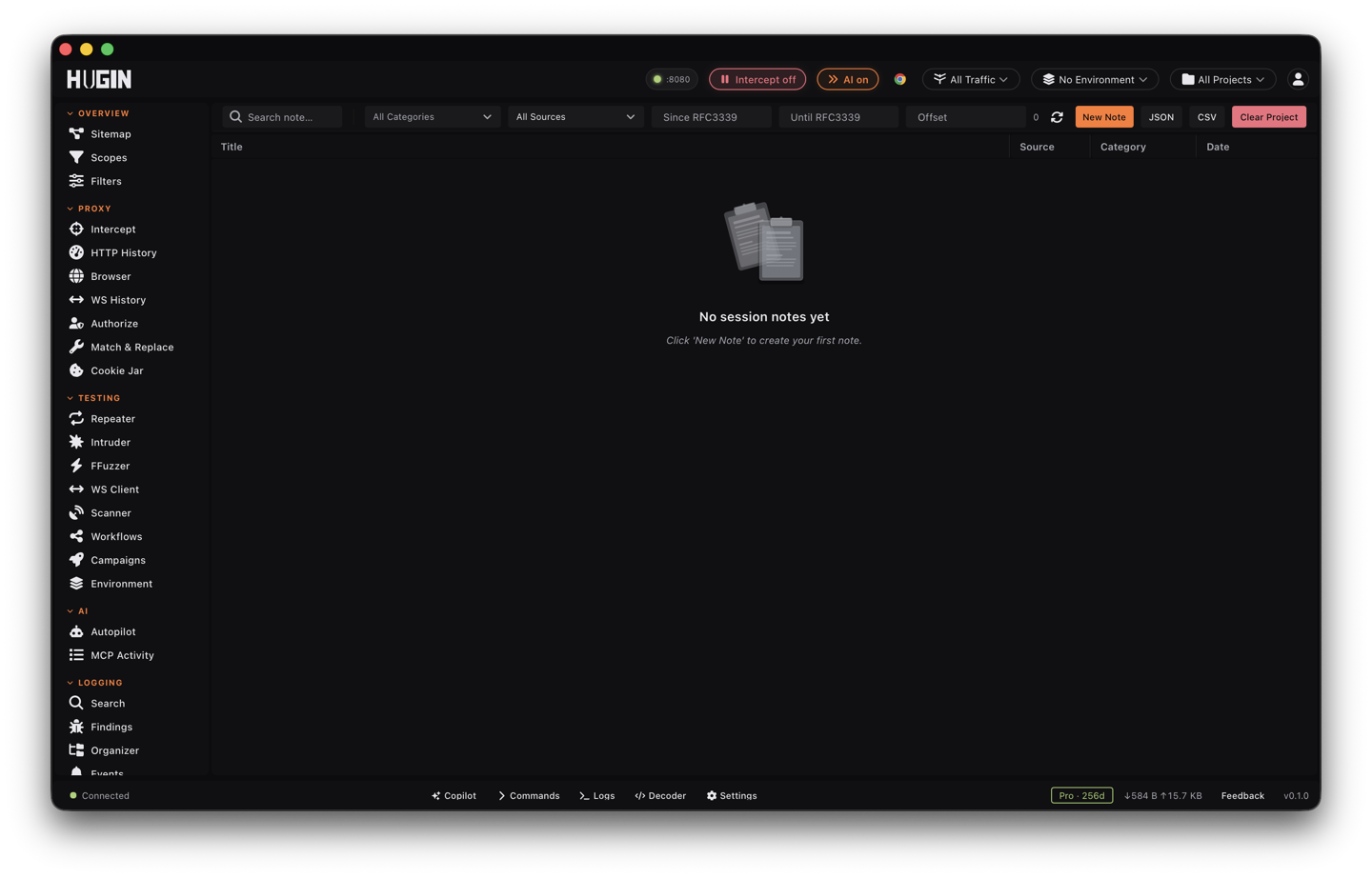
Session notes is your engagement log, kept next to the traffic instead of in a separate text file. Drop methodology notes, payloads that worked, creds, and a running to-do list into the same tool you're already hunting in. It's a Community feature — available on every tier.
What a note holds
Each entry has a title and a freeform body, with an optional category and comma-separated tags, and it's timestamped on the way in. Two more optional fields tie it back to the work: a target URL and a list of linked flow IDs. The body is plain text and shows back exactly as you typed it, so a pasted raw request or a payload keeps its shape.
Every note is stamped with its source — you, or the AI agent driving Hugin over MCP. The agent's observations and yours land in the same log.
Working the log
The log is a list, newest first, scoped to the project you're in. Create, edit, and delete notes from the toolbar and the detail pane: write a note in the dialog and save it to the log.
Full-text search runs across the title, body, tags, target URL, and linked flow IDs. Narrow further by category, by source (you or the agent), or to a time window with since/until.
Paste flow IDs and a target URL onto a note so it links back to the exact requests. Keep the saved requests themselves in the Organizer.
Both write here. Autopilot logs what it finds as it works; filter by source to read just yours or just its.
Export copies the filtered log to your clipboard as JSON or CSV — hand it off or fold it into a report.
Wipe every note for the current project in one action. Clearing is per-project; it never touches another project's log.