External tools
See every companion tool Hugin knows about, check its health, and run it with a JSON payload — without leaving the app.
A hunt rarely stays inside one tool. The Tools view is Hugin's registry of companion tools — external helpers like vectorsploit, xmass, subflow, ghostcheck, and nerve appear here when they're available — so you can check they're alive and fire them at a target without switching to a terminal.
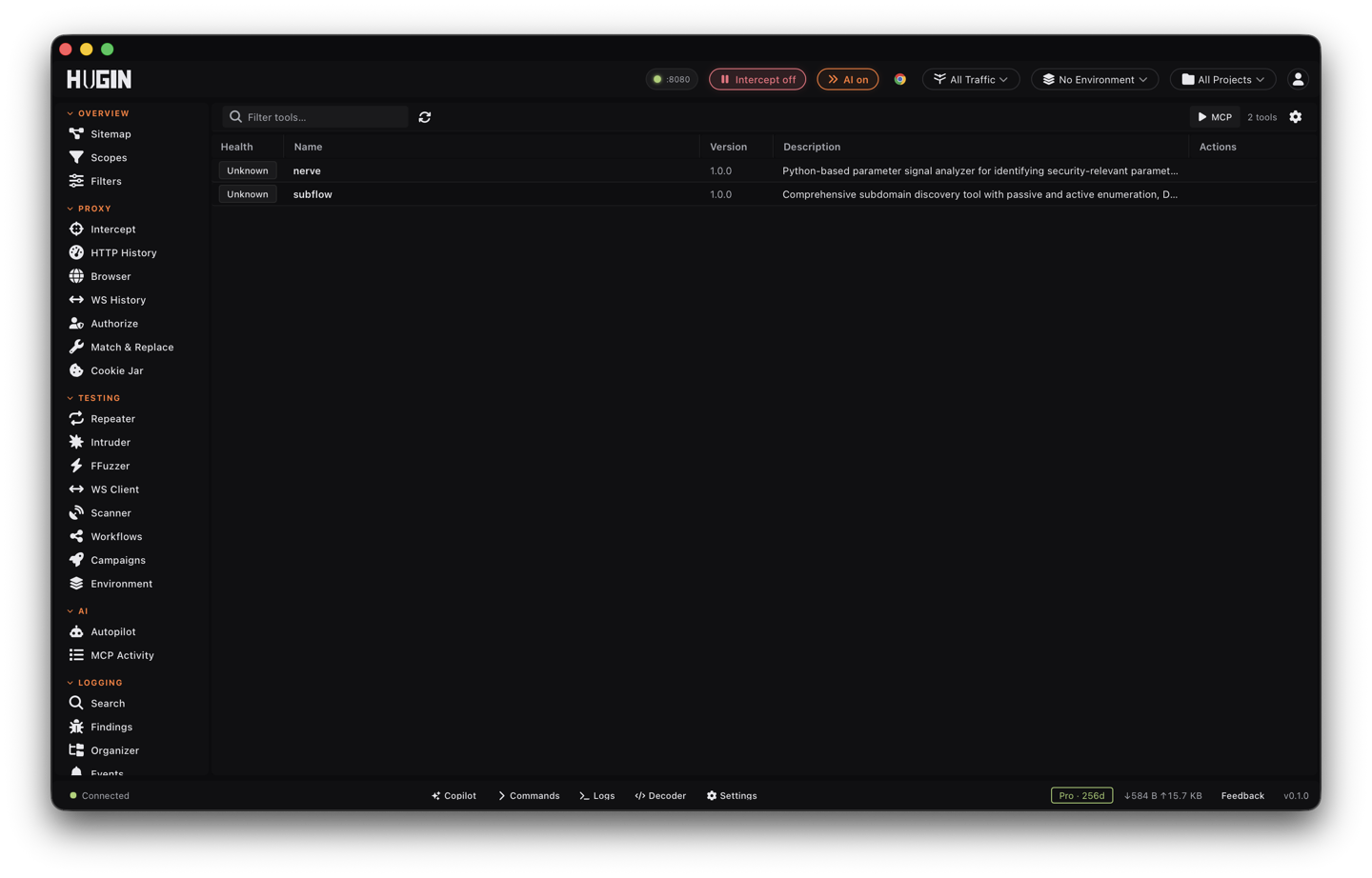
The registry
Each registered tool is a row: a health badge, name, version, and description. Check All Health pings every tool at once — do it at the start of a session so a dead helper doesn't surprise you mid-hunt.
Executing a tool
Click Execute on a row to open the slide-over panel. It shows the tool's description and capabilities, takes a JSON input —
{"Urls": ["https://example.com"]}
— and prints the tool's JSON output right there. Useful for a quick one-shot: feed a host list to a subdomain helper and eyeball the result before deciding whether it deserves a workflow.
Running MCP actions by hand
The same view exposes Hugin's own MCP tool surface: pick a tool, name an
action, and pass a JSON argument like {"limit": 50}. This is the manual
version of what an AI agent does over MCP — handy for
testing what an action returns before you script it, or for poking an action
that has no UI button yet.
If a tool shows unhealthy, fix that first — a workflow that calls a dead tool fails halfway through a long run, and you find out an hour later.