Search
Grep everything you have captured — request lines, headers, bodies, responses — for the token, parameter, or error string History is too big to scroll to.
When History runs to tens of thousands of flows, scrolling is hopeless. Search greps the whole capture for a string — a leaked token, a parameter name, a stack-trace fragment — and lands you on the flow that holds it.
It shares the field query with the History filter bar, but reaches further: it reads the full request and response, bodies and all, and spans five data sets, not just the flow list.
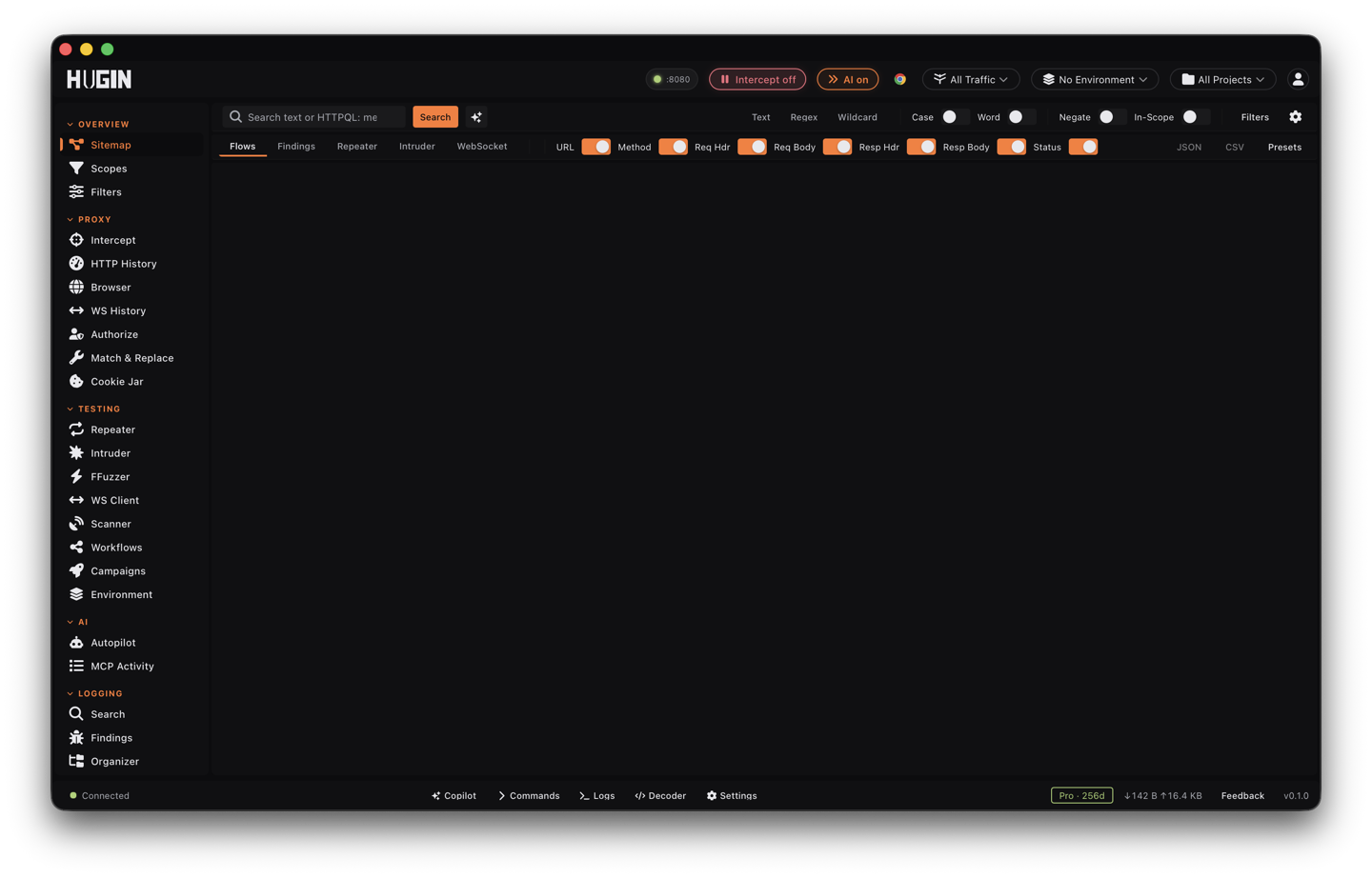
What it reads
Pick the data set from the tabs: Flows, Findings, Repeater, Intruder, or WebSocket messages. Within a flow, toggle which locations to match — the request line (method and URL), request headers, request body, response status, response headers, response body. All are on by default. Search covers the active project's captured data.
Match modes
Three ways to match the text you type:
- Text — a plain substring, the default.
- Regex — a full regular expression.
- Wildcard —
*and?globs.
Toggles refine it: case-sensitive, whole-word, invert (keep
everything that does not match), and In scope (drop out-of-scope hosts).
Regex and wildcard need at least 2 characters; a bare . or * matches
everything, so it is rejected.
Field query
The box also speaks the same field query as the History filter bar, so
field:value terms narrow before the text match. The fields:
method/m, host/h, status/s/code, path/p/url, latency/lat,
size/len, flag, ct/content-type, ext/extension, has (params),
tag, req.body, resp.body, header (name:value), param, scope, tod
(time of day HH:MM-HH:MM), created/after/before (dates), and http
(version), plus bac.* for access-control findings.
Operators:
- Status — exact
200, class2xx, range200-299, set200,201,204, and>,>=,<,<=. Latency and size take the same comparisons. - Host and path — glob with
*(host:*.example.com,path:/api/*). - Booleans — a space is AND,
|orORis OR,!tokenorNOT (…)negates, parentheses group. OR binds tighter than AND, soa b | cmeansa AND (b OR c).
For a match no field can express, the History filter bar and capture rules take a bambda Lua predicate. Search reads bodies directly, so you rarely need to drop to Lua here.
Structured filters
The filter panel adds the constraints not worth typing — status, response and request size, and latency ranges; host, extension, MIME type, port, and method; flagged, has-params, has-comment; a highlight colour; and a date window. Run them on their own with an empty query, or stack them on a text match.
Work the results
Results come back as a sortable table — click a column to order by status, host, path, method, length, latency, time, or relevance. The view shows up to 500 matches and reports the total when more match.
Right-click a row to act on it:
Jump straight to the flow in History to read it in full.
Replay and hand-tamper the request in Repeater.
Fuzz the parameter you just found across a payload set in Intruder.
The same menu opens the flow in the browser, copies its URL, and adds its host to scope. Export the result set to JSON or CSV, and save a query you run on every target as a named preset.
To stop noise before it lands rather than searching past it, set a capture rule in Filters. Search is free in Community, with no Pro gate.