What is a flow?
The flow is Hugin's core unit — one captured request and its response, with metadata and a source.
A flow is one captured request and the response that came back, plus metadata. Hugin records a flow for every exchange it sees and lists them in HTTP History. Every other tool works on flows, so anything in History is one right-click from your next test.
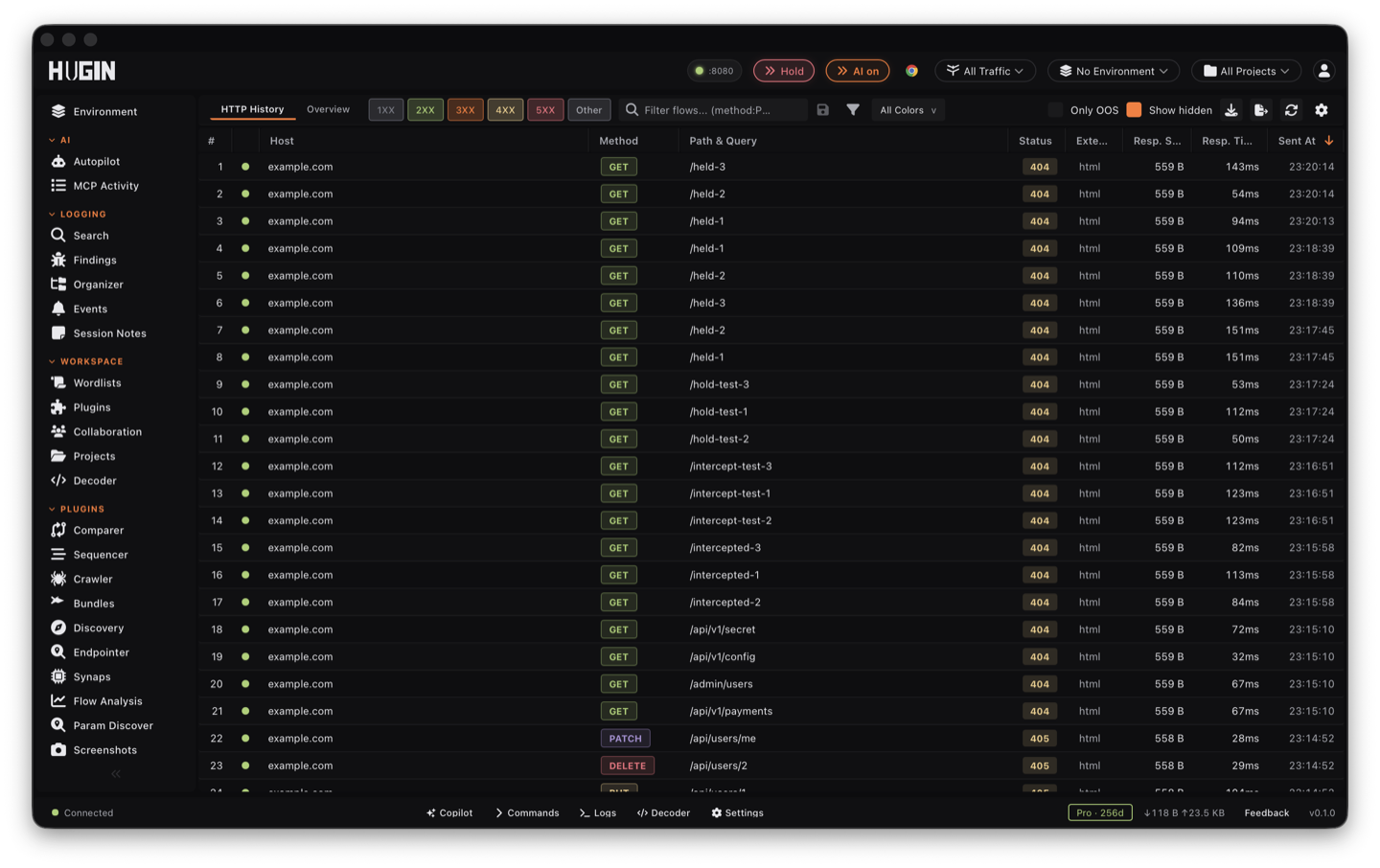
What a flow carries
- The request — method, URL, headers, cookies, body, and the HTTP version (HTTP/1.1, /2, or /3; for /2 and /3 the pseudo-headers are kept separately).
- The response — status, headers, body, and the latency.
- Metadata — tags, a flagged marker and reason, a highlight colour, a comment, and connection/TLS detail (TLS version, cipher, server IP, certificate issuer and subject).
- A source — where the flow came from: the Proxy, Repeater, the Scanner, Intruder, the Crawler, a driven Chrome or Mullvad browser, an MCP tool, or the WebSocket client. Each gets its own badge in History.
WebSocket frames are separate
A flow holds the HTTP exchange. For a WebSocket connection, the flow is the 101
upgrade; the individual frames (each with a direction, opcode, and payload) live
in their own WebSocket view, linked back to that upgrade flow. So you read HTTP in
History and frames in the WebSocket view.
Why it matters
Think in flows and the workflow is obvious: capture broadly, filter by scope to the target, then send the interesting flows to the tool that fits the bug you suspect. You never copy requests around by hand — you move the flow.
See it in the quickstart, or how it maps if you're coming from Burp.