Team collaboration
Share flows and findings with your team in real time, end-to-end encrypted through a relay that never sees plaintext. (Pro)
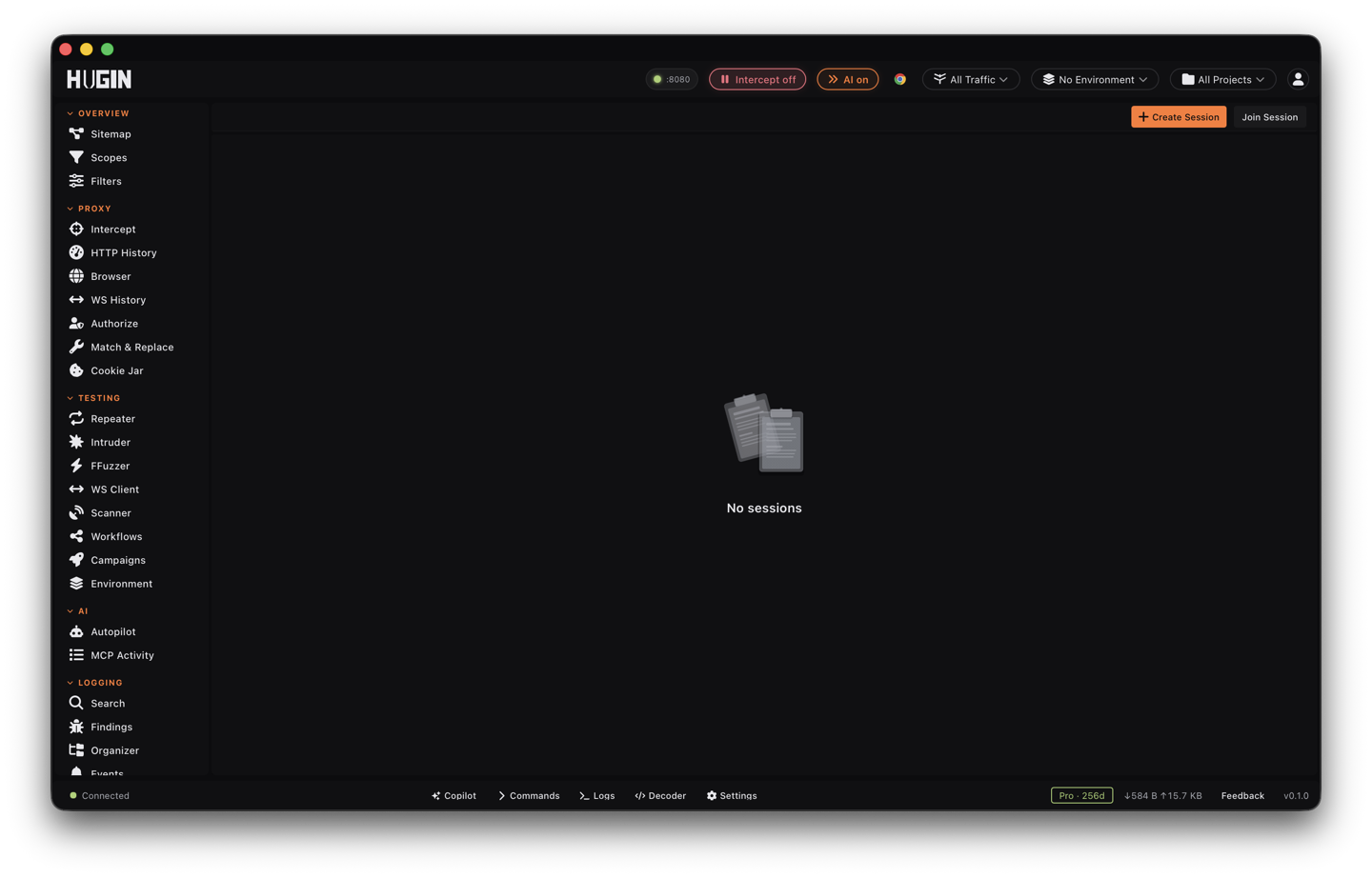
On a team engagement you want to share the work without emailing screenshots around. Hugin's collaboration syncs events between team members in real time, end-to-end encrypted (ChaCha20-Poly1305). It is a Pro feature.
How it works
Both participants need a Pro token. Events are encrypted on each instance and
relayed through Hugin's hosted licence server, which only ever moves ciphertext —
the relay never sees your traffic in the clear. You join a session with an invite
string (HGN-SESS-…) that carries the session key, and the session rotates
subkeys forward for forward secrecy.
Everyone in the session sees the shared flows and findings, which include real target traffic. Only invite people cleared for the engagement.
What you can share, and what each share does
A session moves events between instances as you work. Most are there to show you something; a few act on the receiver's machine or session, and those are the ones to weigh before you invite someone.
Flows, findings, annotations, chat, and presence are read-and-display. Shared flows land in the other person's History, scanner and broken-access-control findings land in Findings (de-duplicated, attributed to the hunter who found them), notes attach to the flow they describe, and the roster shows who is online and what they are looking at. Captured WebSocket connections and frames ride along the same way.
Set a display name for yourself in the Collaboration view — it travels with your presence, so the roster shows who is who instead of a raw key id, and chat is attributed to a name. When a teammate messages you while you are on another view, the Collaboration entry in the sidebar carries an unread-chat badge.
Four shares do more than show you a result — they change the receiver's instance:
A peer can add or remove scope patterns, which changes what your Proxy captures and what your Scanner and Intruder are allowed to hit. Hugin refuses remote scope changes by default, even on a full invite, and drops them with a warning until you turn on Accept scope changes for that session.
A peer can send a request straight into your Repeater as a new tab, ready to replay. Handy for a hand-off — and it means a teammate is putting traffic in your tool.
A peer can hand you a whole attack — base request, positions, and payload list — landed in your Intruder. Read it before you launch it; the requests go out from your instance.
A peer can push a cookie set that merges into or replaces your cookie jar. That moves session tokens between machines, so everyone in the session can act as that session. Share cookies only with people cleared to use those credentials.
Read-only, full access, and lowering a peer
When you share a session, Hugin gives you two things to hand out: the full invite
code (HGN-SESS-…) and a separate read-only link. A full invite grants every
share permission. The read-only link joins someone as a watcher — they see the
shared flows and findings, but nothing they send is applied on anyone else's
instance until you raise their permissions.
Permissions are enforced by the receiver, not the sender. Your instance applies an incoming event only when that peer is allowed that capability, so a teammate can't quietly push scope changes, Repeater tabs, or cookies onto your machine beyond what you allow.
To dial a single peer back, set their permissions in the Collaboration view, keyed to their public key (or their sender id for unsigned peers). This only ever removes capabilities: you can drop flow-sharing from a noisy peer while keeping chat, but you can't grant a peer more than they already hold. It is a de-facto demote — revoke the surfaces you don't want from that peer and their events for those surfaces stop landing.
There is no server-side kick. Your controls are local: lower a peer's permissions, or block them outright (below). To cut someone off completely, leave and start a fresh session — the new invite carries a new key the old peer doesn't have.
Block a peer, and keep a record
Block sender drops everything a peer sends before it touches your tools. Block by sender id and by public key together, so a peer who rotates their display name can't slip past the block. A peer that floods the session — more than 600 events in 60 seconds — is auto-muted the same way. Blocking is local to your instance; it doesn't remove the peer from the relay or from anyone else's view.
Each live peer shows a short fingerprint of their key in the roster. Confirm it with the person out of band (a call, or a channel you already trust) so you know the key on the session is really theirs.
Every event your instance accepts is written to an audit log after it is verified: who sent it (id and key fingerprint), whether their signature checked out, the event kind, and its size. It records what actually happened on receive, not what the peer claimed. The log keeps the last 20,000 events in memory. Export it as newline-delimited JSON (NDJSON) and pipe it to a file to keep a record across restarts:
curl "http://127.0.0.1:8081/api/collab/audit_export?name=<session>" > collab-audit.ndjson
On a local bind the control API answers with no token; on any instance another machine can reach, lock it down first — see security and trust and the REST API.
Sessions persist and reconnect
A live session keeps a heartbeat every 30 seconds. The heartbeat carries presence — a teammate fades from the roster about 60 seconds after their last event — and, when the relay was briefly unreachable, it re-sends the events that didn't go out once it can reach the relay again. Live sessions are saved encrypted on disk, so they resume after you restart Hugin.
When you start a session you can tie it to a project and to a YesWeHack collaborator id, so the shared flows and findings line up with the engagement the team is working.
Run your own relay
By default events relay through license.hugin.nu as ciphertext. To point
collaboration at a relay you run, set HUGIN_DEV=1 and
HUGIN_LICENSE_URL=https://your-relay. The URL must be https:// (or http://
to a loopback address); anything else is refused and Hugin falls back to the
default. Without HUGIN_DEV=1, HUGIN_LICENSE_URL is ignored. The same setting
also moves the licence check to that host, so this is for a dev or fully
self-hosted backend, not a casual switch.
Not the same as hugin serve
hugin serve is a different model: it runs one shared headless Hugin instance
that teammates connect to remotely (bound to 0.0.0.0, token-authenticated). That
puts everyone on one instance over the network; the E2E collaboration above keeps
each person on their own instance and syncs encrypted events between them. Pick
the shared instance for a single box everyone drives, and E2E collaboration for
separate instances that stay in sync.