Scheduler
Run a scan on a repeating timer — nightly, hourly, or on a 5-field cron — and catch new attack surface as the target ships it. (Pro)
The Scheduler runs a scan on its own timer instead of by hand — the way to monitor a target over time. Give a job a target and a cadence and it re-scans on schedule, catching new attack surface as the target ships it, without you re-launching anything. A Pro feature.
What a job scans
Every job runs the same active checks as the Scanner, over a set of captured flows you target one of two ways:
The exact flows you picked, scanned again every run. Use it to watch a known set of requests for regressions.
A flow filter re-evaluated on every run, so any new matching flow captured since the last pass is pulled in automatically.
The filter is the point. Keep proxying and crawling the target between runs — each scheduled scan re-reads the filter and covers the endpoints that showed up since last time, so new surface gets scanned without you touching the job. Findings land in Findings, deduplicated so the same bug on the same host and insertion point is recorded once.
How often it runs
A job's frequency is one of three shapes:
A standard 5-field cron expression — minute hour day-of-month month day-of-week. */5 * * * * runs every 5 minutes, 0 2 * * * daily at 02:00, 30 4 1 * * at 04:30 on the 1st. An invalid expression is rejected when you save.
A fixed gap between runs — every 6 hours, every 30 minutes. The interval must be greater than 0.
No timer at all. The job never fires on its own; you launch it by hand with Run now. Use it to keep a scan saved and ready without it running unattended.
Create and control a job
Build the job
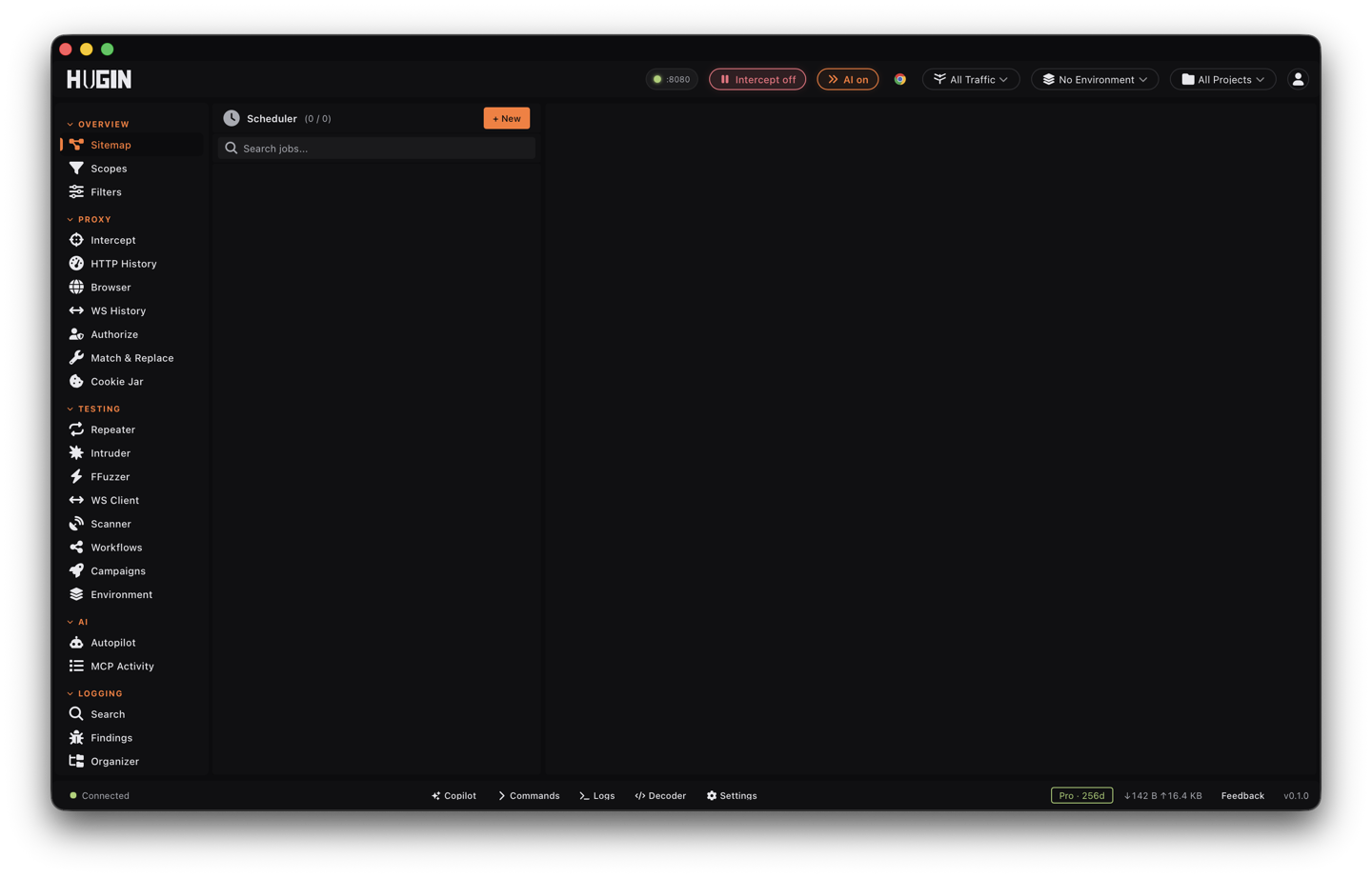
In the Scheduler view, give it a name, pick the target (a flow list or a filter), set the scan config, and choose a frequency. A job is enabled the moment you save it.
Enable or disable it
The enable toggle controls whether the timer fires. Disable a job to pause its schedule without losing the definition or its history; re-enable it to resume.
Run it on demand
Run now fires the job immediately, whatever its schedule says — and it does not move the next scheduled run, so your regular cadence keeps going. Works on any job, including a Once job.
Delete it
Deleting a job removes it and its entire run history.
Run history
Every firing — scheduled or manual — records a run you can read back in the job's detail panel: when it started and finished, how many flows it covered, how many findings it produced, its status (Running, Completed, or Failed), and the error if it failed.
A scheduled fire that matches no flows is skipped — no scan, no run recorded. A run that hits an error on a flow is marked Failed with the reason, and the schedule keeps going, so one bad run never stops the job.
How the timer behaves
A background loop checks every 30 seconds and fires any job whose next run is due. A few behaviours worth knowing:
The next run is advanced before the scan starts, so a scan that runs longer than the 30-second poll can't fire twice. Interval jobs count from the scheduled time, not the actual start, so they never drift.
A job pinned to a project only fires while that project is active; switching projects effectively pauses the others. A job with no project is workspace-global and always fires.
Up to 4 jobs run at once. If more come due together, the rest wait their turn rather than stampeding the target.
You can also create, trigger, and manage jobs over the REST API, or drive them from an AI agent over MCP.