Campaigns
Package a fuzzing or access-control attack once — launch it on demand or on a cron, against any in-scope host, and re-run it every engagement. (Pro)
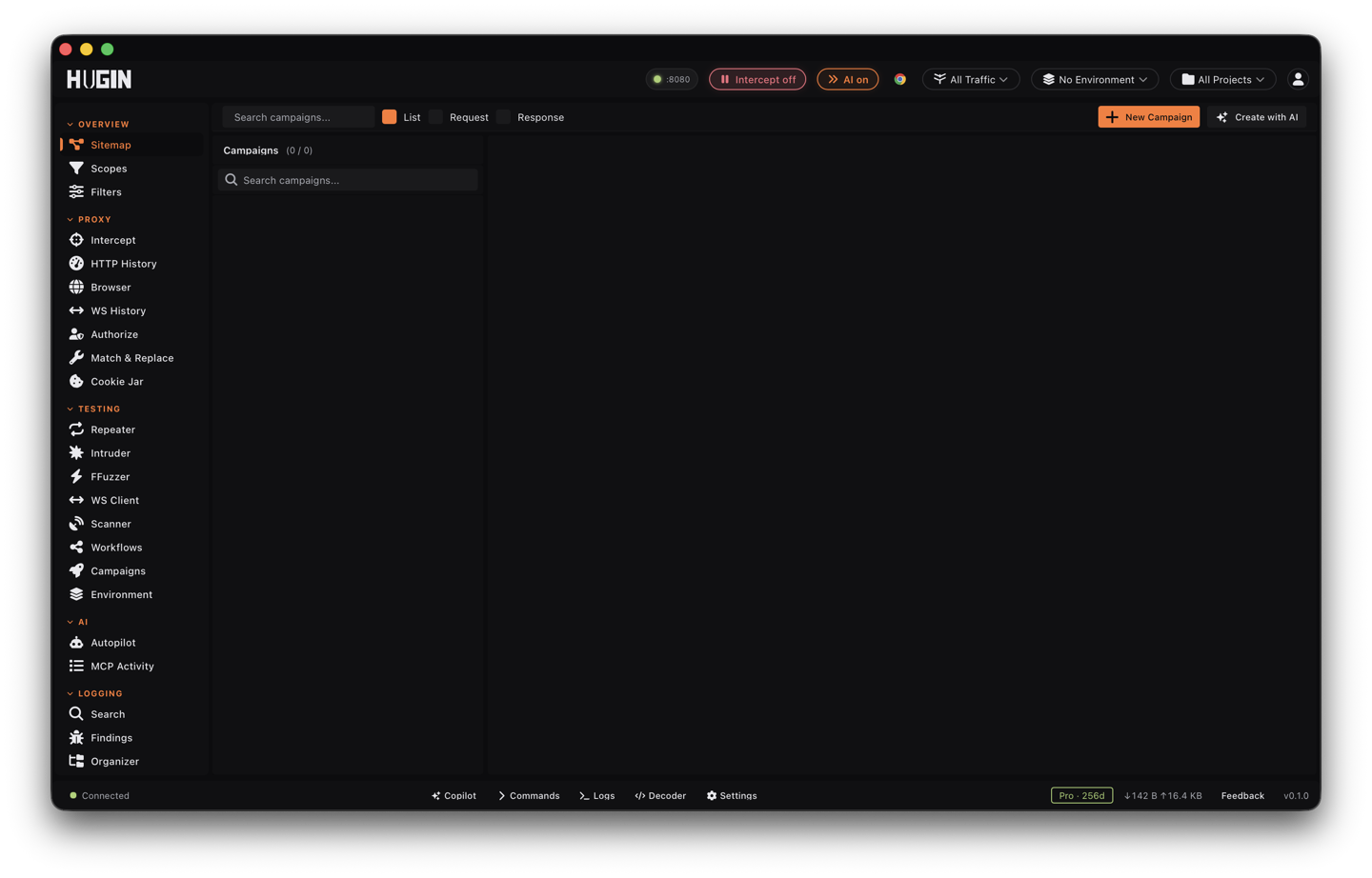
A campaign is a saved, repeatable attack — a Pro feature. Package a base request, its payload sets, and the checks once; then launch it on demand, re-point it at the next host, or leave it on a cron to re-fire itself each engagement. Most campaigns wrap an Intruder run; a campaign can also drive a broken-access-control (BAC) audit.
A workflow is a different shape — an event-driven node graph. A campaign is the simpler thing: one packaged attack, saved, scheduled, and fired again and again.
What a campaign packages
The core of a campaign is a base request with the positions to vary marked by § — the
same markers Intruder uses. Around it you save:
- Payload sets — a pasted list, a number range, null payloads, or a saved list referenced
by
wordlist:NAME. The token resolves to your wordlist at fire time, so editing the list changes the next run. - Attack mode — any of the seven Intruder modes (sniper, battering ram, pitchfork, cluster bomb, content discovery, custom, single-packet).
- Grep rules — match, extract, and negative patterns, one per line, to flag responses and pull values out of them.
- Rate and concurrency — a per-request throttle, concurrency up to 10,000, a retry count, and follow-redirects (up to 5).
- OOB — turn on Oastify to catch blind callbacks during the run.
- Targeting — host, port, and TLS overrides, plus a
target_hostsallowlist that gates which hosts the campaign may fire at.
A campaign can be multi-step: several named stages, each with its own request, payload sets, and attack mode, run in order.
Build one
Seed it from a captured flow
In History, right-click a flow and choose Send to Campaigns — the request lands as the base request. Or open Campaigns and hit New Campaign to start from scratch.
Name it and pick the kind
Name the campaign, choose Intruder attack or BAC audit, mark the spots to vary with
§, and add your payload sets. Add Step stacks more stages for a multi-step run.Set the checks and save
Add grep match / extract / negative rules, set the throttle and concurrency, toggle Oastify for blind bugs, then Create.
Launch it, or schedule it
Hit Launch to fire once. To re-run it on a cron, add a schedule and a
target_hostsallowlist (below).
Templated tokens
The base request keeps its {{...}} tokens raw and resolves them at dispatch, so each run gets
fresh values — and re-pointing {{HOST}} (or the host override) fires the same packaged attack
at a new target:
{{HOST}}       the resolved target host
{{NOW}}        an RFC3339 timestamp at fire time
{{EPOCH}}      Unix seconds at fire time
{{UUID}}       a fresh v4 UUID, regenerated every request
{{ENV:NAME}}   an OS environment variable
{{NAME}}       a variable from the Environment tab; {{NAME|default}} falls back
Tokens are case-sensitive. An unknown {{...}} is left untouched, so a literal in your request
survives unchanged.
Schedule it
A campaign carries its own 5-field cron schedule. A background loop checks every 30 seconds, advances the next-run time before it fires so a long run can't double-fire, and skips any schedule you've paused. Pausing the schedule leaves the campaign intact — it just stops firing.
Before every scheduled launch, the campaign re-checks two gates: the active scope, and its
own target_hosts allowlist. A host that's out of scope or off the allowlist is refused,
not fired. The allowlist takes an exact host, a *.example.com subdomain wildcard, or * for
any, comma- or newline-separated; an empty allowlist means no restriction.
For recurring scans rather than a packaged attack, use the scheduler instead.
Run, pause, resume, stop
A campaign moves through Idle → Running → Completed / Failed / Cancelled, and you can Pause and Resume a live run. Pause halts the in-flight attack; resume picks it up where it left off; Stop cancels it and returns the campaign to Idle. Delete is refused while a campaign is Running or Paused — stop it first.
Read the results
Every fire opens a run, so a scheduled campaign builds a history you can scroll. Open any run for its results table — one row per request, sortable and paginated by status, length, and your grep columns — and the findings attributed to that run. The campaign row shows live counters: total requests, completed, and findings so far.
Drive it from MCP or REST
Everything above is scriptable. Build, schedule, start, pause, and read any campaign from the REST API or an AI agent over MCP, so CI and agents fire the same packaged attack through the same scope and allowlist checks as the GUI.