Workflows
Build a node graph that reacts to traffic, findings, schedules, or webhooks and runs actions automatically. (Pro)
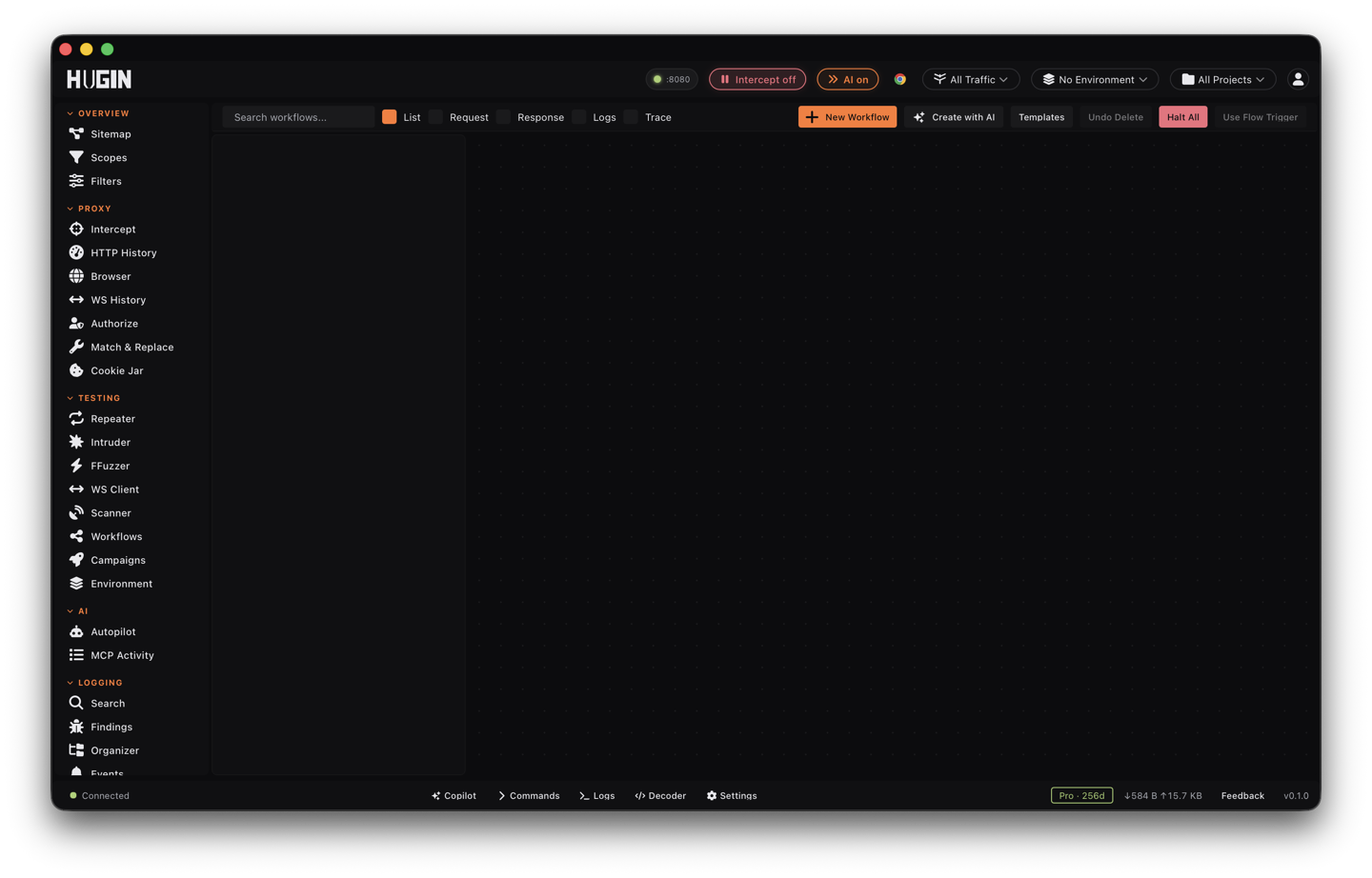
A workflow is a visual node graph that automates testing — a Pro feature. It fires on live traffic, an event, a schedule, a webhook, or on demand, and runs a chain of actions. For example: when a new in-scope flow returns a 500, start a scan and flag it — automatically, while you keep browsing.
Nodes
A workflow is triggers and actions wired with edges, plus control-flow nodes: Condition (if/else), Switch, Loop (over an array), Parallel + Merge, Sub-workflow, Extract, and Delay. A workflow is one of three types: Passive (runs automatically on matching flows), Active (run on demand), or Convert (a data-transformation pipeline).
Triggers include: flow created/updated, status code, host/path/method/header/ body match, content type, WebSocket connection or message, finding created, scan finished/failed, an inbound webhook (HMAC-verified), a schedule (cron or interval), manual, file changed, an Oastify callback, a RatRace session completing, and AI/agent events.
Actions include: flag, start a scan, replay in Repeater, add to findings, send a notification, make an external HTTP request, throttle, extract, delay, run JavaScript / shell / a Lua extension / a bambda, run a Synaps module, an AI analyze or agent dispatch, and the full encode/decode/hash set.
Chain one step into the next
The point of a workflow is to feed one step's output into the next request — the
same auth or IDOR chain you would run by hand, run automatically. Any text field
on a node (a URL, a header value, a condition, a shell command) takes {{...}}
placeholders that resolve at run time:
{{flow.request.url}}  .method  .host  .path  .body
{{flow.request.header.<name>}}   {{flow.request.cookie.<name>}}   {{flow.request.query.<name>}}
{{flow.response.status}}  .body   {{flow.response.header.<name>}}   {{flow.response.latency_ms}}
{{flow.id}}
{{vars.<name>}}              an Extract result or a merged sub-workflow var
{{steps[N].output.<path>}}   any earlier step's result, N starting at 0
{{env.<NAME>}}               a variable from the Environment tab
{{secrets.<KEY>}}            a secret from the active environment (never written to exports)
{{jq:<source>|<jsonpath>}}   JSONPath over the flow, vars, or a step
{{expr:<mini-expr>}}         a small expression over any of the above
flow is the carrier flow: the captured request for a Passive workflow, or the
flow you selected for an Active/Convert run. Each action writes its result into
steps[N].output, so a later node reads it back with {{steps[N].output.body}}
or pulls one field out with an Extract node.
A token-replay chain, end to end:
- An HTTP request (full) node logs in. Its response lands in that step's output.
- An Extract node pulls the token:
jsonpath:$.token => session. The value is now invars.session. - A second HTTP request (full) node requests another user's object with the stolen
identity — URL
{{env.TARGET}}/api/orders/{{vars.order_id}}, headerAuthorization: Bearer {{vars.session}}. - A Condition gates on that second request's status,
{{steps[N].output.status}} == 200(N is the step's index, counting from 0). On the true edge, Flag the flow and add a finding; on false, stop.
Point the host at {{env.TARGET}} and the same graph runs against every program you
keep in the Environment tab. Use {{secrets.<KEY>}} for credentials so they never
travel inside an exported workflow.
Match syntax on triggers
Every trigger with a text field shares one small match language, so you fire only on what you care about:
- Status code — an exact list like
200,404, or a class withxas a wildcard digit:4xx,5xx,40x. - Host, path, response body, Content-Type — case-insensitive substring by
default; a glob with
*and?; or a regex wrapped in slashes, e.g./\/(admin|internal)\//(use(?i)inside for case-insensitive). - Method — a comma-separated list:
POST,PUT,DELETE. - Header —
name=value, where the name is matched case-insensitively and the value side accepts the same substring / glob //regex/matching. An empty value (x-debug=) matches the header's mere presence. Prefix withresponse:to match a response header instead of a request header:response:set-cookie=.
Action payloads worth knowing
A few action nodes carry more than a single value:
- Active scan — the value picks the profile:
quick,normal,thorough,passive_only, oraudit_only. Pair it with await-scan (below) to read the result before the next node runs. - HTTP request (full) — a bare URL (legacy POST + JSON), or a JSON envelope for
full control:
{"method":"GET","url":"...","headers":{...},"body":"..."}. Methods: GET, POST, PUT, DELETE, PATCH. The response comes back in the step output asstatus,headers, andbody, ready to chain. This action blocks local and private-network targets, so it won't pivot to127.0.0.1or link-local metadata on its own. - Extract — pull a value into a variable with
<kind>:<spec> => <var>. Kinds:regex,jsonpath,header,substring,css,xpath. For examplejsonpath:$.token => sessionorheader:location => redirectlands the result invars.session/vars.redirect.
Per-node controls and building
Each node has its own retry policy (with backoff), timeout, and on-error behavior (continue, halt, or halt and roll back). Build a workflow from a template, from scratch, or from a natural-language prompt with Create with AI. Passive workflows evaluate on the live flow stream; Active and Convert workflows run from the Run button against a selected flow.
Reliability and concurrency
Past the basics, each node and each workflow has knobs for when things go sideways:
- Retry with backoff — set the attempt count (up to 8) and a base delay, then a
curve:
linear(delay × attempt),exponential(delay doubles each try), ordecorrelated(AWS-style jittered exponential). Add jitter to break lock-step retries and a max-backoff ceiling to cap the wait. Timeouts are terminal by default; turn on retry-on-timeout for network actions (HTTP request, notify) so a slow target gets another shot. - On error — per node: continue (the default), halt the run, or halt and roll
back. Roll back replays the run's side effects in reverse — un-flags a flow, deletes
a finding it added, cancels a queued Repeater item, posts a rollback notice to an
HTTP target. Or flip on route-on-error to send a failure down an edge labeled
on_errorand handle it like any other branch (a dead-letter path). - Merge strategy on a Parallel fan-in or a sub-workflow join:
namespace(the default — branch writes land underpar_<n>_<key>so they can't clobber the parent),overwrite,reject-on-conflict,wait-first(race: take the first branch to finish, abort the rest), orwait-quorum(take the first N, abort the rest). A Parallel node fans out up to 32 branches. - Await scan — on an Active scan node, wait for the scan to finish (bounded by the
node timeout) and read
vars.scan_findings_countplus the full result in the step output, so the next node can branch on whether the scan found anything. - Throttle — cap a hot path at
<n>/sor<n>/m, shared across concurrent runs, so a chatty passive trigger doesn't hammer the target. - Max concurrent runs — a per-workflow cap (0 = unbounded) so a busy passive trigger doesn't stampede the engine.
Run it, watch it, debug it
While a workflow runs, the view streams a live step feed (the last 128 steps), per-node timing, and engine queue and run-cost telemetry — the saturation indicator tells you when the engine is backed up. Every run is kept:
- Run history and logs — open any past run and read its node-by-node trace.
- Replay a finished run, or diff two runs side by side (result, duration, error) to see what changed between a passing and a failing pass.
- Cancel one run, continue a paused run, or cancel-all to emergency-stop every live run at once.
- Live variable injection — patch a running run's variables on the fly (only while it is still live) to steer a long run without restarting it.
Before you let a workflow loose, debug it dry:
- Dry-run walks the whole graph with every side effect stubbed — no real scans, no real requests sent.
- Step + breakpoints — mark nodes as breakpoints, then run paused: the run halts at each one so you can read the variables, inject new ones, and continue.
- Batch test dry-runs the graph across your captured flows and reports how many passed.
- Validate checks the graph structure; explain prints the engine-resolved plan (its steps and edges) so you can confirm the wiring before it fires.
AI nodes
Two AI actions live in the engine. AI: analyze with assistant (LlmAnalyze) sends a prompt to the Copilot and stashes the reply in the step output for a downstream Condition or Extract to act on. AI: spawn explore agent (AgentDispatch) fires a budgeted Explore session (default 20 steps, 50 requests, 500k tokens, $1.00) that surfaces in the Autopilot view to approve or cancel. Both run today, but they aren't in the drag-from palette yet — they execute in any imported or AI-generated graph that includes them, and the builder validates their prompt once the node exists.