Organizer
A curated shortlist of the requests that matter — with your notes — instead of re-finding them in History.
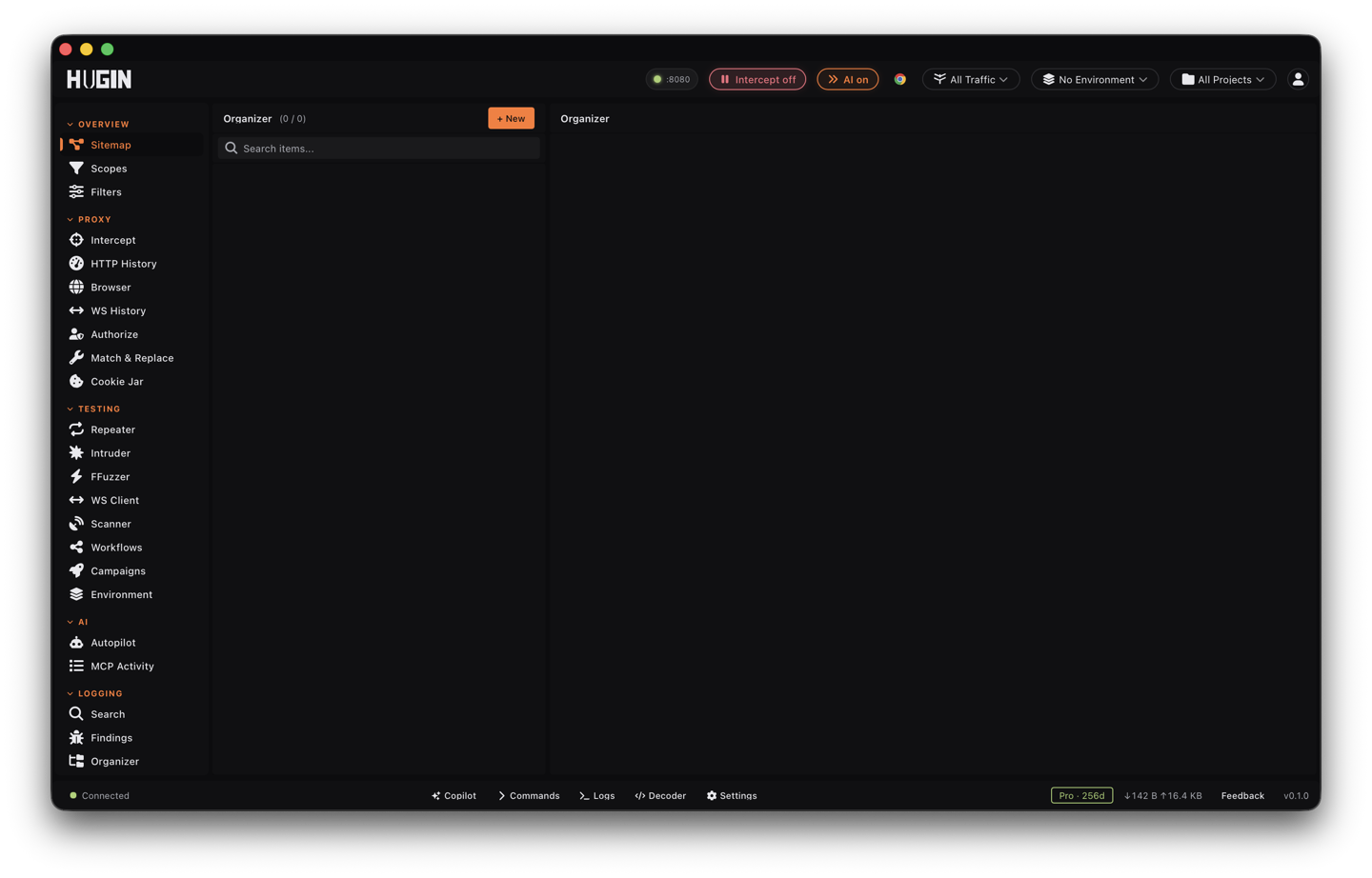
The Organizer is a shelf for the requests you want to keep — the handful worth coming back to, pulled out of the History firehose so you don't have to re-find them later. Save a request with a category, tags, a severity, and your own notes; filter the shelf down when it grows; hand the whole thing off as JSON or CSV. The shelf is scoped to your active project, so switching projects swaps the list. It's Community.
What an entry holds
Every entry keeps the request's URL, method, host, path, and response status, plus the first 500 characters of the request and response bodies — enough to recognize it at a glance. On top of that you add your own triage:
Tag the entry with a category — Authentication, Authorization, Injection, XSS, SSRF, IDOR, Business Logic, and the rest of the usual classes, or leave it uncategorized — and a severity of Critical, High, Medium, Low, or Info, the same scale as Findings.
Add free-form tags (comma-separated) and paint the row with one of 8 highlight colors. The color shows as a stripe down the left of the list, so the ones you care about jump out.
Write down why it's interesting and what to test next — the context future-you needs to pick the request back up cold.
The entry also remembers the flow it came from. Pull the full request and response back up in History and fire it into Repeater whenever you're ready to poke at it again.
Save a request
From History
Right-click a flow in History and choose Save to Organizer. Hugin switches to the Organizer with the flow prefilled — click Add and the entry pulls in the URL, method, host, path, status, and the request and response summaries straight off the captured flow.
By flow id
Paste a flow's UUID into Add from flow UUID and click the plus. Same result when you already have the id in hand.
From an Authorize finding
Paste an access-control finding's id into Add from BAC finding id. The entry takes the finding's endpoint, severity, and evidence, tags it, and carries a BAC badge that links back to Authorize for the full detail.
By hand
Click New and fill in the URL, method, category, severity, tags, and notes yourself — for a request you're reconstructing rather than one you captured.
Work the shelf
Narrow the list by category, tag, or severity, or search across URL, host, path, notes, and tags. The count shows how many of your saved requests match.
Tick several rows, type a tag, and apply it to all of them at once — fast way to group everything you've decided belongs together.
Clone a saved request as the starting point for a variant you want to track on its own row.
Drop a single entry, or bulk-delete everything you've selected when a lead dries up.
Download the current, filtered list as JSON or CSV to feed another tool or fold into your own notes.
Organizer or Findings?
The Organizer is a holding pen, not a verdict. There's no status workflow here — nothing moves from open to confirmed to reported, the way it does in the findings register. It's the requests you mean to revisit, marked up enough that you'll know why. The moment one turns into a real, reportable bug, raise it in Findings, which carries the proof, the dedup, the triage states, and the report export.
Keep the three straight: Findings is the register of vulnerabilities you'll report, with a full triage workflow; the Organizer is your working shortlist of requests to come back to; and Session notes is for running prose about the engagement — scope, credentials, what you've already tried.