Files
A library that tracks your payload and wordlist files by path — copy a hosted URL or point Intruder and FFuzzer at the same set without hunting for it.
Files keeps every payload and wordlist file you reach for in one place. It tracks each file by path — it doesn't copy it — and remembers a label, a tag, a line count, and a size. Register a set once, then point Intruder, FFuzzer, and your other tools at it instead of digging through your filesystem on every engagement.
Files is a Community view. The AI wordlist generator is Pro, and so is driving the library from the MCP server or REST API.
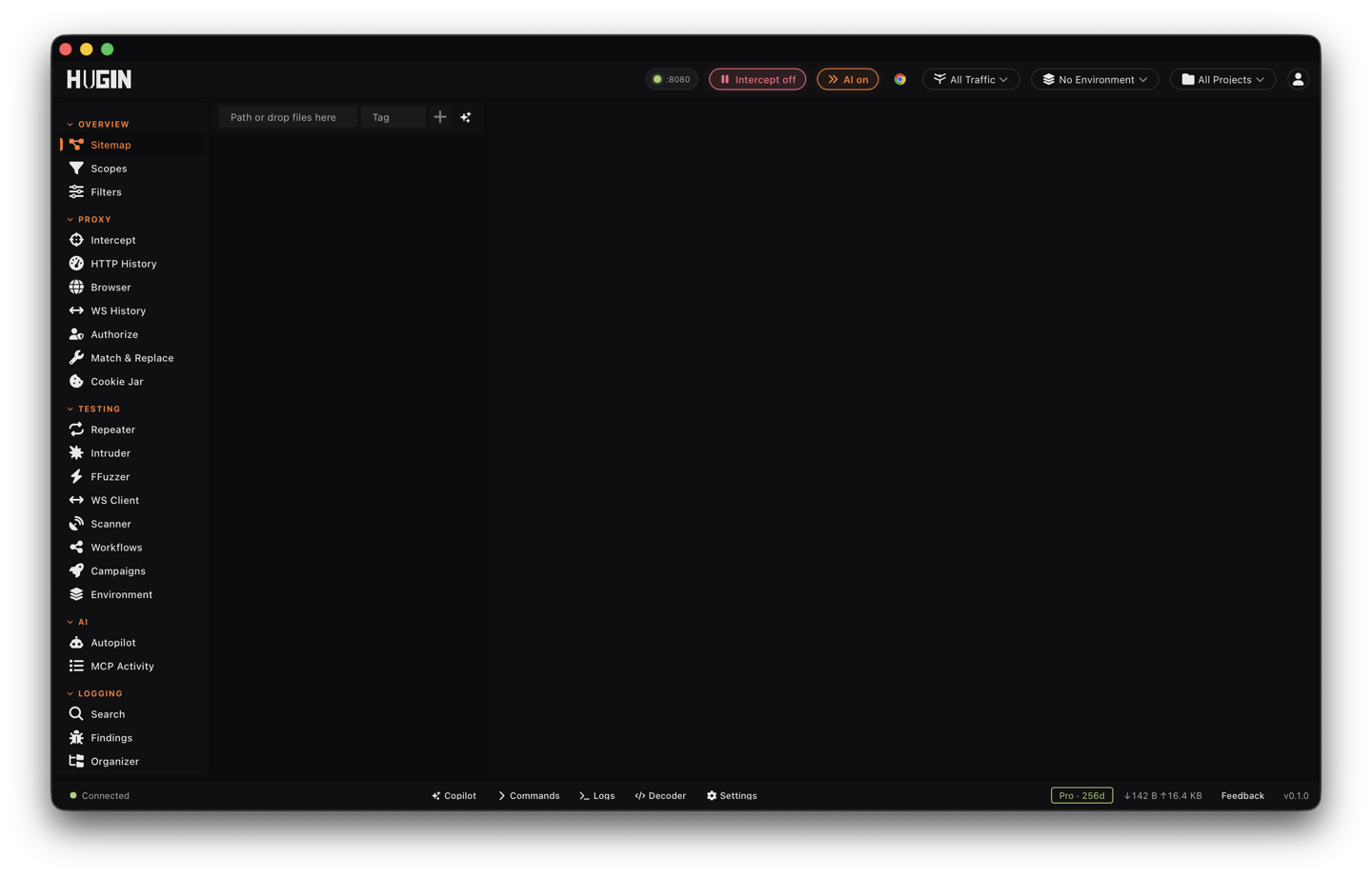
What the library tracks
Every entry carries the file's path, a label, an optional tag, the line count, and the size. That's enough to tell users-short.txt from users-10k.txt at a glance and to keep your SQLi, XSS, and subdomain lists sorted by what each one is for.
Type or paste a path and press Add, or drag files straight onto the list. Hugin checks the path exists, then fills in the line count and size.
Select a file to read its first 200 lines in the detail pane before you fire it at a target.
Copy a file's /hosted/<label> URL to serve it through the proxy during a test.
Drop a file from the library. The entry goes; the file on disk stays where it is.
Files is for arbitrary payload files. For one-word-per-line lists you edit and merge inside Hugin, use Wordlists instead.
Serve a file during a test
Every registered file is also reachable at /hosted/<label> through the proxy. Copy that URL and feed it to the target: host a blind-XSS payload, a JavaScript or HTML file, a clickjacking frame, or a body to pull in over SSRF, and let the target fetch it from you. Hugin sets the Content-Type from the file extension, so the target receives it as the right type.
Use a file in another tool
Register it in Files
Add the wordlist or payload file by path or drag-and-drop, and note where it lives.
Point the tool at the path
In Intruder, set the payload source to load from a file and give it the path. In FFuzzer, set the wordlist to that same file.
Reuse it
The library keeps the label, tag, line count, and size, so next time you grab the set from one place instead of searching disk.
Generate a wordlist with AI
With a Pro license, the AI generator writes a fresh list from a plain description — "SQL injection payloads for MySQL login forms behind a Cloudflare WAF", for instance. Set a filename, a tag, and an entry count from 10 to 2,000. Hugin saves the list into its own files folder and adds it to the library, ready to use like any other file.
The library index lives at ~/.hugin/payload_files.json. Removing an entry only edits that index — it never deletes your file from disk.