Cookies and sessions
Manage cookies across identities with the cookie jar, force per-domain policies, catch weak session cookies automatically, and replay, diff, or rewind authenticated state.
Cookie jar
The cookie jar (Community) holds cookies the tools can attach to outgoing requests. The table shows domain, name, value, path, flags, SameSite, expiry, and source. You can import cookies (JSON or Netscape format), set per-domain policies, and save named session snapshots to rewind to.
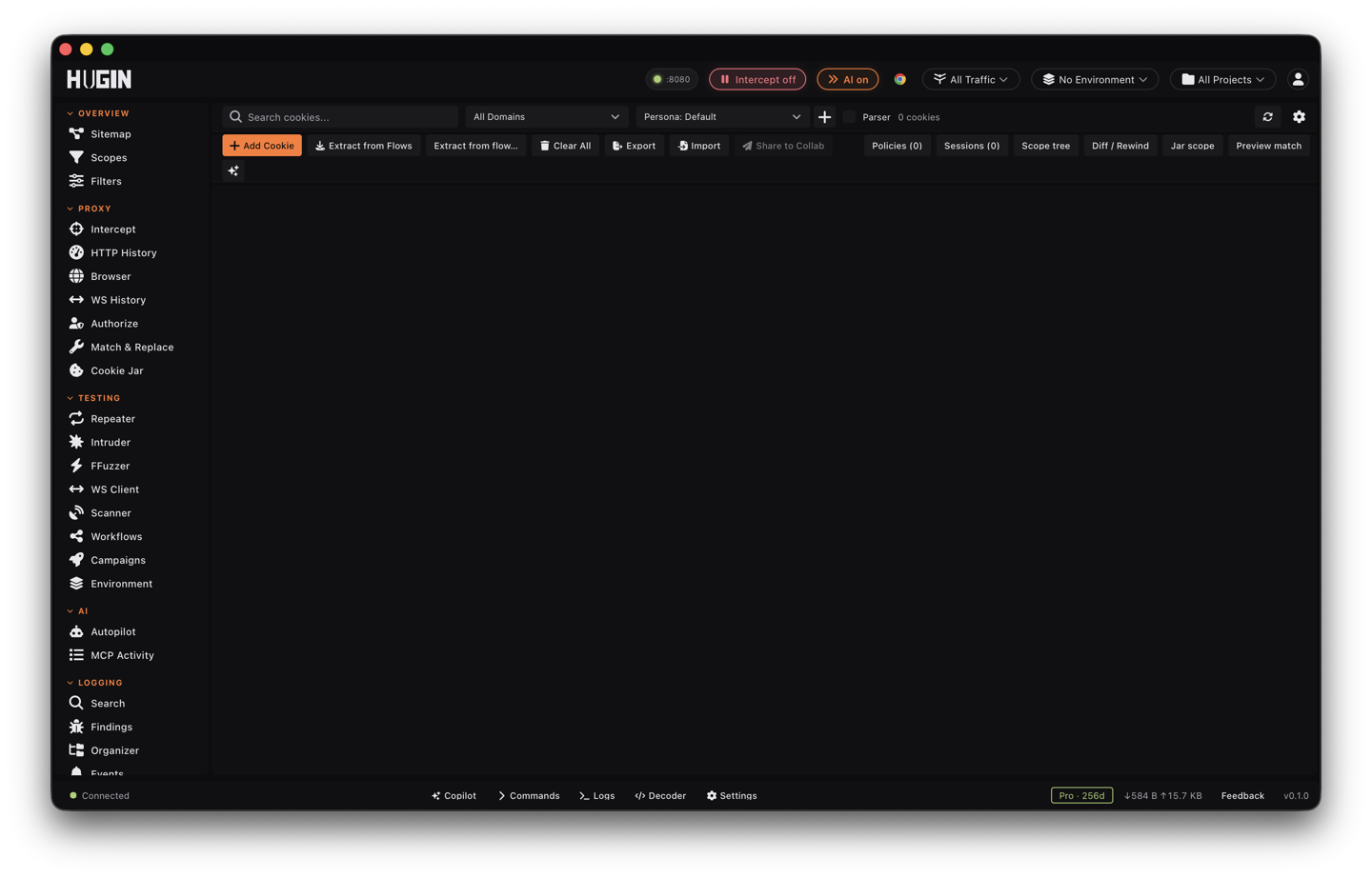
Identity containers let you keep separate cookie sets per persona — admin, user A, user B. Switch the active container and the tools attach that identity's cookies, which is how you replay the same request as different users.
How the jar applies to a request is the attach mode (set per Repeater send):
- Off — ignore the jar.
- Fill (default) — attach jar cookies only if no Cookie header is set.
- Merge — your explicit cookie wins, the jar fills the rest.
- Override — always replace the Cookie header with the jar's.
- Write-back — merge on send, then parse the final Cookie header back into the jar.
You can scope which tools use the jar (Repeater, Intruder, Scanner, the session client).
Add or edit a cookie by hand
Click Add, or select a row and Edit, to write a cookie straight into the jar: domain, name, value, path, Secure, HttpOnly, SameSite, and expiry. The jar attaches it on the next Repeater, Intruder, or Scanner send, so a cookie you type is a cookie the target receives. Two attacks run straight off this:
- Session fixation — plant a session id you control, scoped to the target's domain and path, then drive the victim flow through it.
- Privilege and tenant tampering — change the value of a role- or tenant-bearing cookie and replay to see whether the server re-checks it on every request.
A leading dot on the domain (.example.com) makes it a domain cookie that rides
every subdomain; no dot keeps it host-only and exact. Hugin applies the same write
rules a browser would: a __Host- cookie without Secure, or SameSite=None
without Secure, is rejected before it lands, so you never ship a ghost cookie the
target would silently drop.
For partitioned cookies — CHIPS (Cookies Having Independent Partitioned State) —
Hugin records the Partitioned attribute and the top-level site the cookie was set
under. A partitioned cookie only rides requests embedded in that same top-level
site, and the detail panel shows its partition key so you can tell a partitioned
session cookie apart from a first-party one.
Catch weak cookies automatically
The Issues pane scans every cookie in the jar and raises a graded list of weaknesses. There's no scan to start — it recomputes on load and after every change. Around a dozen checks run:
Hugin pulls a JSON Web Token (JWT) out of the cookie value and flags alg=none,
HS256 carrying a public issuer (the classic algorithm-confusion setup), and a past
exp claim — a token still riding in the jar after it expired.
Secure set but the cookie arrived over plain HTTP, SameSite=None without Secure,
no SameSite at all, a sensitively-named cookie (session, auth, sid, csrf…)
with no HttpOnly, and __Host- / __Secure- prefix misuse.
A session-id format that matches a known-vulnerable framework signature, so you know which exploit path to reach for.
The same domain, name, and path carrying different values across two personas — a sign session material is leaking between identities you meant to keep isolated.
Expired rows the sweeper hasn't cleared yet, and lifetimes past the browser's 400-day cap that a real client would clamp.
Each issue carries a severity and links back to the cookie it came from. Hit Analyze cookies to hand the whole jar to Hugin's Copilot for a written read on session-management weaknesses, scope problems, and exposed data.
Bend the rules per domain
A per-domain policy overrides how Hugin handles cookies for a domain glob
(example.com, *.example.com, or * for everything) without touching the stored
cookie rows. Use them as attack levers:
Override the SameSite attribute on the way out: pin a host's cookies to None to see whether a Strict or Lax session token actually rides a cross-site request, or to Strict to confirm a defense holds.
Drop Secure so an HTTPS-only cookie replays over a plaintext HTTP test, or drop HttpOnly so a scripted hook can read a cookie the server tried to keep out of reach.
Stop the jar attaching any cookie to a host — send the request as if logged out — or strip incoming Set-Cookie so read-only recon never picks up a session and the server can't reset state you're deliberately tampering with.
A policy bends Hugin away from real browser behavior. A result you can only reproduce with strip-Secure or force-SameSite isn't a target weakness on its own — confirm the server actually serves the cookie that way before you write it up.
Model what ships on a cross-site request
Type a URL, pick the context — Same-site, Cross-site top nav, or Cross-site subresource — and Hugin shows exactly which cookies it would attach, honoring the active persona plus each cookie's SameSite, path, Secure, and CHIPS partition. Nothing is sent; it's read-only. Use it to reason about CSRF and clickjacking before you build the proof of concept (PoC): if your Strict session cookie drops out of a cross-site subresource but a Lax one survives a top-level navigation, the preview tells you which one your attack can rely on.
Forensics and session snapshots
Harvest cookies from captured flows
Extract from flows scans stored History for Set-Cookie headers and pulls every cookie the target ever set into the jar, retroactively, with the same partition-key attribution as live capture. Browsed first and turned to cookies later? Retro-harvest the whole session instead of re-walking the site.
Watch a token rotate
Every change to a cookie — your edit, a proxy Set-Cookie capture, an agent write, a session load — leaves a timestamped row tagged with who made it. Select a cookie to see its value timeline, so you can watch a session token rotate and catch a predictable or short-lived pattern worth taking to the Sequencer.
Diff the jar between two instants
Pick two times and Hugin lists what was added, removed, and changed in between, down to the individual field. Send one request, diff before and after, and you have proof of exactly which cookie that request planted, rotated, or cleared — drop it straight into the report.
Save, load, and rewind session state
Save the current jar, or a filtered slice with the active persona pinned in, under a name, then reload it later to drop back into a known-good logged-in state without authenticating again. Rewind goes further: it restores the jar to any past instant by replaying its history. Snapshot "admin, just logged in", run a destructive fuzz, then reload and keep going.
Spot an over-broad Domain with the scope tree
The scope tree renders the jar as a domain hierarchy and flags conflicts — a
host-only cookie colliding with a parent's domain cookie of the same name, or two
domain cookies with overlapping coverage. It's how you catch a session cookie scoped
to Domain=example.com when it only needed one host: any subdomain you get a
foothold on can read it, which turns a minor subdomain bug into account takeover.
Import and export
Hugin reads cookies from four formats, so you can carry a jar over from another proxy:
The <cookiejar> block from a Burp Suite saved state or project file.
ZAP's Export Context output. The raw ZAP HSQLDB session database isn't supported — export to JSON or HAR from ZAP's menu first, and Hugin tells you so if you hand it the binary.
The classic cookies.txt format and Hugin's own JSON cookie array.
Every imported cookie runs through the same RFC 6265 and prefix checks as a manual add, so a malformed or ghost cookie is rejected with a per-cookie reason instead of landing silently.
Export writes the jar back out as JSON or Netscape. When you export through an AI
agent driving Hugin over MCP, cookie values are masked (<redacted>) by default, so
you can share the jar's shape — domains, names, paths, flags — without leaking live
session tokens; ask to reveal values when you need a replayable artifact for curl or
a teammate.
Login macros and session rules (Pro)
When a session expires mid-test, you don't want to log in by hand again. Macros and session rules record the login once and replay it automatically when Hugin detects a dead session — extracting the fresh token and retrying the original request. Session management is a Pro feature.