Macros and session rules
Record a login sequence once, then let a session rule replay it the instant a session dies mid-test — so a long scan, Intruder run, or Repeater replay keeps its credentials instead of testing the login wall. Pro.
A long scan or a big Intruder run dies the moment the session expires — every request after that is hammering the login wall, not the app, and the findings are worthless. A macro records the login once. A session rule watches for a dead session and replays that macro automatically, pulls the fresh token, and lets the run carry on authenticated. Set it once and an unattended run keeps its credentials alive. Session macros are Pro.
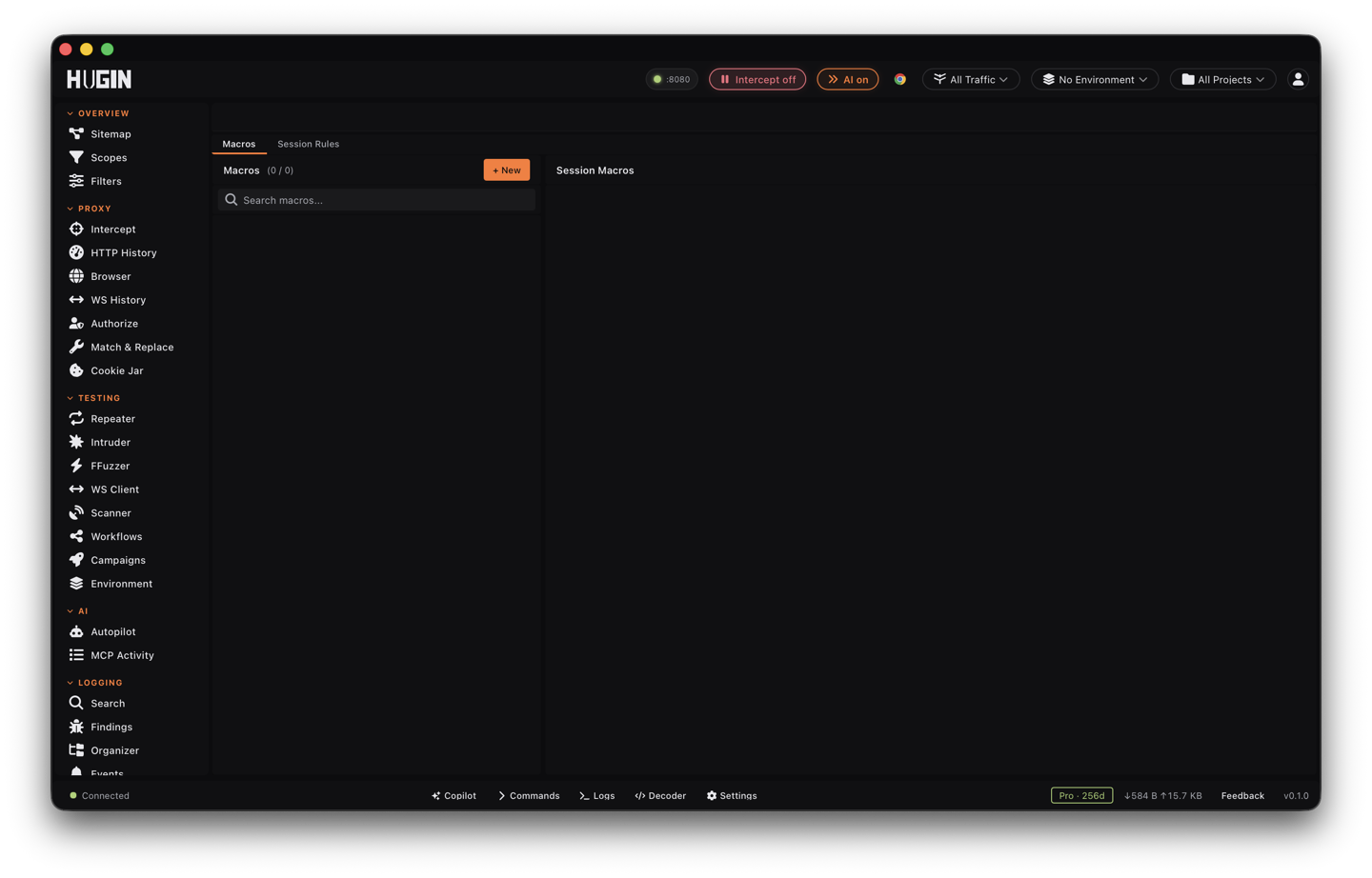
Record a macro
A macro is an ordered list of requests Hugin replays in sequence. Open the Macros tab, click New, give it a name, and add steps. Each step is one request, and the response from one step feeds the next.
Add the request
Per step, set the Method, URL, Headers, and Body — the login POST first, then a GET that fetches a fresh CSRF token, and so on. Reorder steps with the up and down arrows; the first step runs first. To skip retyping, an AI agent driving Hugin can seed a step straight from a captured History flow, copying its method, URL, headers, and body.
Extract what you need
Add an extraction to pull a value out of a step's response. Name the variable, pick the Source, and give the Pattern:
- body — a regex over the response body; the value is capture group 1, e.g.
name="csrf" value="([^"]+)". - header — a response header by name.
- cookie — a single cookie out of the
Set-Cookieheader by name. - regex — a regex over the headers and body combined, capture group 1.
- body — a regex over the response body; the value is capture group 1, e.g.
Inject it forward
Set Inject Into to place the value on later requests —
header:X-CSRF-Token,cookie:session, orbody:token=to swap a form field. The extracted token flows into every step that follows.
Two more substitutions run while a macro executes. Reference any extracted or
seeded variable as {{name}} anywhere in a later step's URL, header, or body. For
a login behind multi-factor auth, drop ${TOTP:<base32-secret>} into the body and
Hugin computes a live RFC 6238 one-time code at send time, so an MFA login replays
without a manual code each run.
Test a macro before you bind it to anything. Run it once by hand and confirm every variable populated and landed where you expected — a regex that matches nothing fails silently, and at 3 a.m. mid-scan you won't see it.
Bind it with a session rule
A macro on its own is manual. The Session Rules tab makes it automatic: a rule watches responses for a dead session and fires the macro when it sees one.
What counts as a dead session. Always treats every in-scope response as a
re-auth signal, Status Code fires on a list like 401, 403, Body Contains
matches a string like Session expired, and Header Contains matches a value
in a named header (for example WWW-Authenticate containing Bearer).
The macro to run when the trigger fires. This is the login or token-refresh sequence you recorded.
An optional host pattern like *.example.com that limits which hosts the rule
watches. Traffic outside the pattern passes through untouched.
Orders rules when more than one matches — higher numbers are checked first.
When a rule fires, Hugin runs the bound macro, extracts the fresh token, and feeds
it back into traffic. In Repeater the request that hit the dead session is
retried automatically with the new token, including a 401 that lands mid-way
through a redirect chain. On live Proxy traffic Hugin re-authenticates in the
background, so your following requests ride the refreshed session.
The editor also lists an Interval (seconds) trigger, but re-auth fires on responses, not a timer — pick a Status Code, Body Contains, or Header Contains trigger to drive it today. A bound macro is required; a rule with no macro detects the dead session but can't fix it.
Keep the fresh token flowing to your other tools
A macro doesn't only feed Repeater. Once it runs, the new session reaches the rest of your tools two ways, so a scan or fuzz that started authenticated stays that way:
Every Set-Cookie a macro step receives is written into the
cookie jar, which attaches to Repeater,
Intruder, and the Scanner. A login macro refreshes the
session cookie those tools are already sending.
A Match & Replace rule can pull a macro's
extracted token into outgoing requests with a {{mac:<macro-id>:<variable>}}
placeholder, resolved from the macro's last run. Use it to stamp a fresh
Authorization: Bearer header onto every Intruder or Scanner request. The cached
value carries a 15-minute time-to-live by default; re-run the macro before it
expires or the placeholder passes through to the target literally.
Community vs Pro
Session macros and rules are a Pro feature, part of Hugin's session-handling toolkit alongside Authorize. On Community you still keep a session by hand: the cookie jar holds and attaches your cookies, and you can save and reload a logged-in snapshot. Pro adds the record-once, replay-automatically engine — detect the dead session, re-run the login, and inject the new token without touching the run.
Credentials you type into a login macro are sealed on disk when at-rest encryption is configured, so a stored username and password don't sit in your Hugin config in the clear.